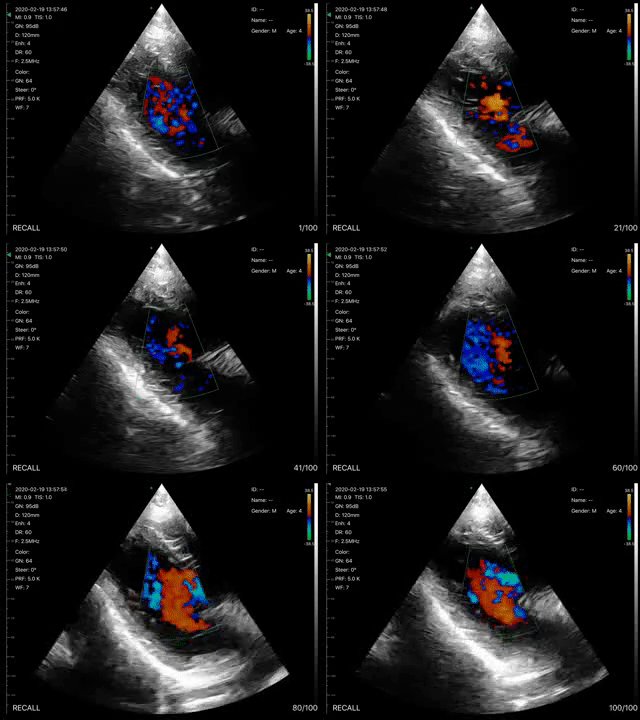
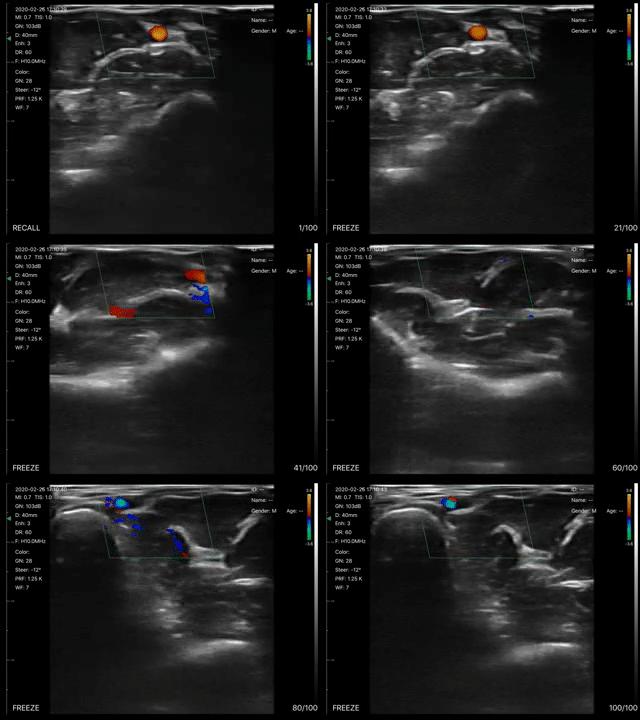
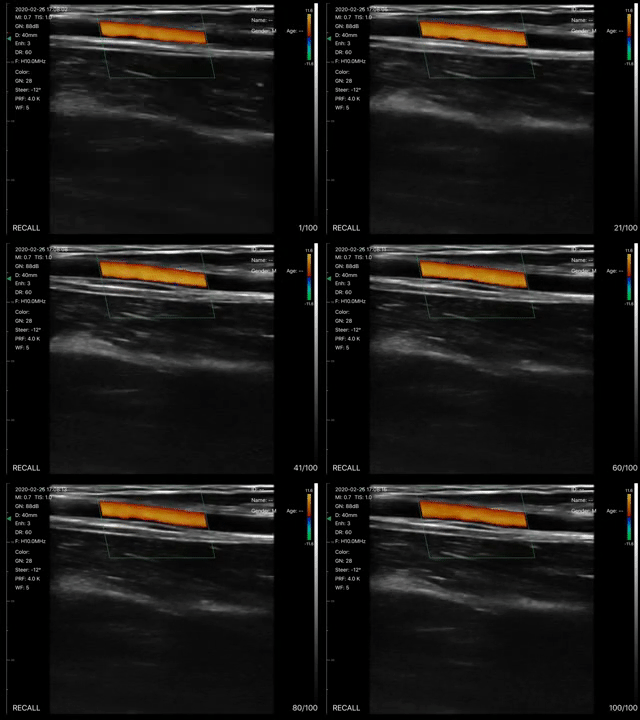
Description
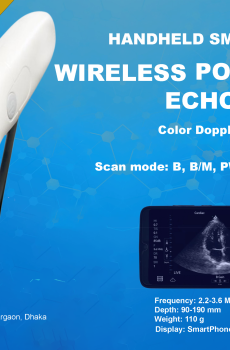
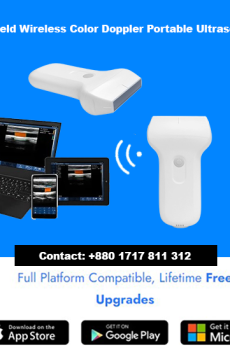
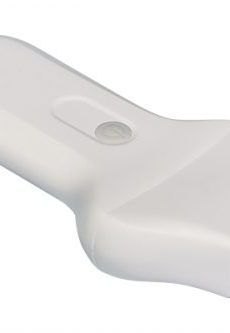
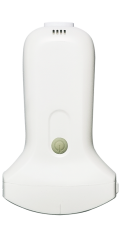
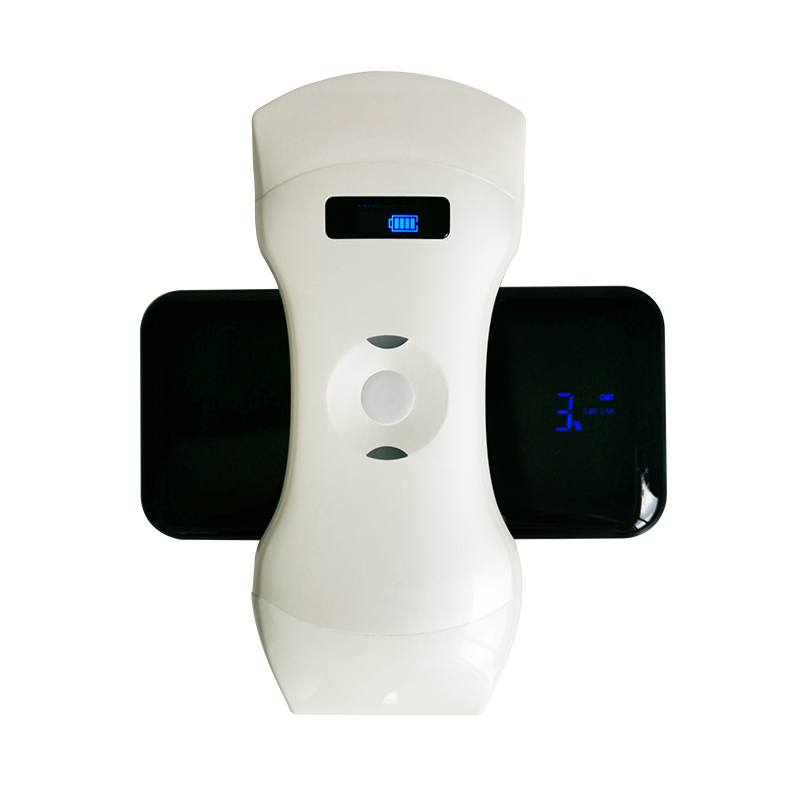
Double Probes Wireless Handheld Ultrasound Scanner-D5CL
Specification
| Model | D5CL |
| Display | Phone or tablet screen |
| Probe Type | Convex array + Linear array |
| Scan Angle / Length | Convex 60,Linear 40mm |
| Frequency | Convex probe 3.5 / 5.0 MHz, linear probe 7.5 / 10 MHz |
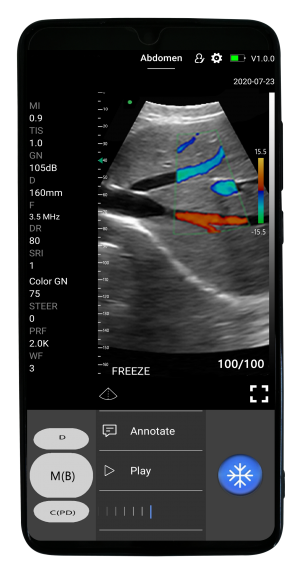
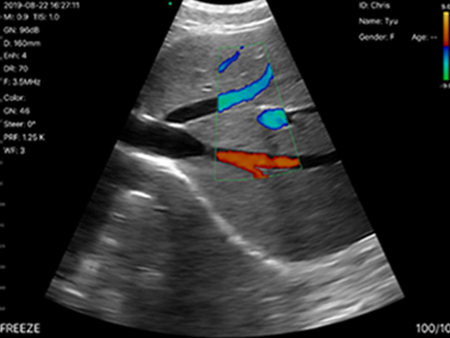
| Scan mode | B, B/M, Color, PW |
| Display Depth | Convex 90 ~ 305mm, Linear 20 ~ 100mm |
| Image Adjust | Gain, Depth, DR, Focus, SRI, Harmonic |
| Measure | Length, Area, Velocity, HR, S/D, Obstetrics, auto blood vessel measurement |
| Puncture Assist Function | In-plane puncture guide line, out-of-plane puncture guide line, needle enhance |
| Image Frame Rate | 20 frames / second |
| Cinplay | >50s |
| Power | Built-in lithium battery, wireless charge 2h, work 2.5h |
| Working System | iOS, Android, Windows |
| WiFi Type | 802.11n / 2.4G / 5G |
| Dimension | 156x60x20mm |
| Weight | 250g |

How It Works
We condense the main unit into a small circuit board builded-in the probe, small and light,and showing image on app installed in smart phone/tablet through Wifi(internal wifi from probe, no need external Wifi signal)or USB transferring.
- Make ultrasound easier and more efficient to use.
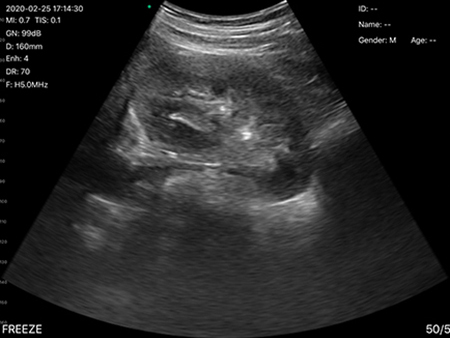
- Provide visual images during any clinical procedures.
Easy To Use
On iOS and Android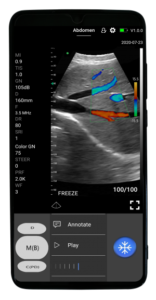
- You can do it easily, even if you’re not an ultrasound professional. Just follow:
- Start scanning within 1 second of starting the handheld ultrasound scanner and launching the MicroVue App.
- Choose from AI-powered presets for instant adjustments to get a good image. Scanning with SonoHealth Scanner is like using the camera app on your phone.
- Slipe left and right to change scan modes, gain, slide up and down to change depth, and more.
Both iOS And Android Apps Available
Switch between all your devices with ease.